
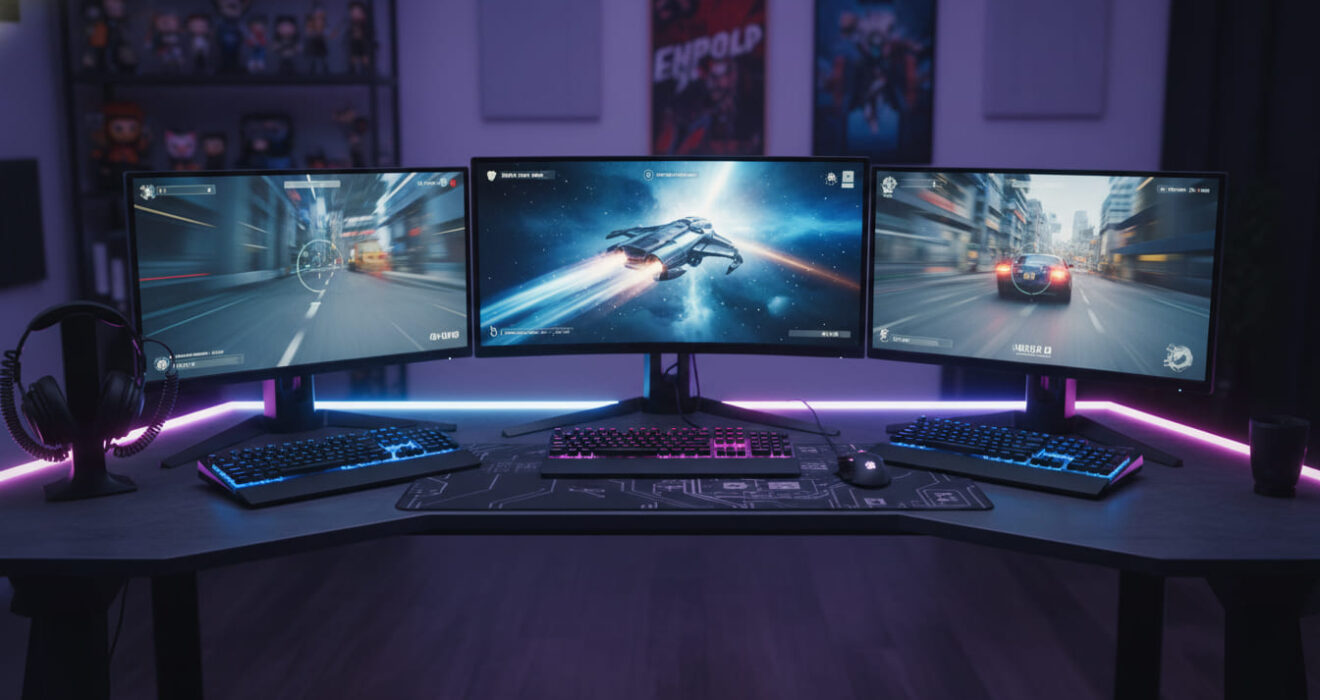
Top Gaming Monitors for Smooth and Fast Gameplay
Top Gaming Monitors for Smooth and Fast Gameplay
Gaming has become more competitive and visually advanced than ever before. Modern games now feature realistic graphics, faster frame rates, and immersive environments that demand high-quality gaming hardware. While powerful gaming PCs and consoles are important, a gaming monitor plays an equally essential role in delivering a smooth and fast gameplay experience. A high-performance gaming monitor can improve reaction time, reduce screen tearing, and create a more enjoyable gaming environment for casual and professional gamers alike.
In 2026, gaming monitors have evolved with advanced technologies such as high refresh rates, low response times, 4K resolution, curved displays, and adaptive sync features. Whether you enjoy competitive esports titles, open-world adventures, racing games, or console gaming, choosing the right gaming monitor can significantly improve your overall performance and comfort.
This complete guide explores the top gaming monitors for smooth and fast gameplay, important features to consider, the latest gaming display technologies, and tips for selecting the perfect monitor for your gaming setup.
Why Gaming Monitors Matter
A gaming monitor is different from a regular monitor because it is designed specifically for gaming performance. Standard office monitors may work for basic tasks, but they often lack the speed and visual quality needed for modern games.
Gaming monitors help players enjoy:
- Faster response times
- Higher refresh rates
- Better color accuracy
- Reduced motion blur
- Smooth gameplay performance
- Improved competitive gaming experiences
A quality gaming monitor ensures that every movement appears fluid and responsive, especially during fast-paced action games.
Important Features of Gaming Monitors
Before choosing a gaming monitor, it is important to understand the features that affect gaming performance.
1. Refresh Rate
Refresh rate refers to how many times a monitor updates the screen every second. It is measured in Hertz (Hz).
Common refresh rates include:
- 60Hz
- 120Hz
- 144Hz
- 165Hz
- 240Hz
- 360Hz
Higher refresh rates provide smoother visuals and better gameplay responsiveness. Competitive gamers often prefer 144Hz or higher gaming monitors.
2. Response Time
Response time measures how quickly pixels change color. Lower response times reduce ghosting and motion blur.
Typical response times:
- 1ms
- 2ms
- 4ms
- 5ms
Fast gaming monitors usually feature 1ms response times for smooth and fast gameplay.
3. Resolution
Resolution determines image sharpness and detail.
Popular gaming monitor resolutions include:
- Full HD (1920×1080)
- Quad HD (2560×1440)
- 4K Ultra HD (3840×2160)
Higher resolutions offer better visuals but may require more powerful gaming hardware.
4. Adaptive Sync Technology
Adaptive sync technologies help prevent screen tearing and stuttering.
Popular technologies include:
- AMD FreeSync
- NVIDIA G-SYNC
These features synchronize monitor refresh rates with the graphics card for smoother gameplay.
5. Panel Types
Gaming monitors use different panel technologies:
- IPS Panels
- TN Panels
- VA Panels
IPS panels provide better colors and viewing angles, while TN panels offer faster response times.
Top Gaming Monitors for 2026
The gaming monitor market offers many excellent options for different budgets and gaming styles.
1. ASUS ROG Swift OLED PG32UCDM
ASUS ROG Swift OLED PG32UCDM is one of the best premium gaming monitors for 2026. It combines OLED technology with ultra-fast refresh rates and stunning image quality.
Key Features
- 32-inch OLED display
- 4K resolution
- 240Hz refresh rate
- 0.03ms response time
- NVIDIA G-SYNC support
This gaming monitor is ideal for competitive players and immersive single-player games.
2. Samsung Odyssey G9
Samsung Odyssey G9 is a popular ultrawide gaming monitor known for its curved design and smooth gameplay performance.
Key Features
- 49-inch curved display
- Dual QHD resolution
- 240Hz refresh rate
- HDR support
- Fast response time
The massive screen creates an immersive gaming experience for racing and simulation games.
3. LG UltraGear 27GR95QE
LG UltraGear 27GR95QE offers excellent gaming performance with OLED technology and fast refresh rates.
Key Features
- 27-inch OLED display
- 240Hz refresh rate
- 1440p resolution
- 0.03ms response time
- HDR support
This gaming monitor is perfect for esports and competitive gaming.
4. Alienware AW3423DWF
Alienware AW3423DWF combines beautiful visuals with fast gaming performance.
Features
- Curved ultrawide display
- QD-OLED technology
- 165Hz refresh rate
- Fast response time
- Immersive gaming experience
It is one of the best gaming monitors for RPG and open-world games.
5. Gigabyte M32U
Gigabyte M32U is an affordable 4K gaming monitor that balances performance and value.
Features
- 32-inch IPS display
- 144Hz refresh rate
- HDMI 2.1 support
- 1ms response time
This monitor works well for both PC and console gaming.
Best Gaming Monitors for Different Gaming Styles
Different gamers need different gaming monitor features.
Competitive Esports Gaming
Competitive gamers prioritize:
- High refresh rates
- Low response times
- Smooth visuals
Recommended:
- 240Hz gaming monitors
- 360Hz gaming monitors
Open-World and RPG Games
Story-driven games benefit from:
- High resolution
- Rich colors
- Ultrawide displays
Recommended:
- OLED gaming monitors
- 4K gaming monitors
Console Gaming
Modern consoles support:
- 4K resolution
- 120Hz refresh rates
- HDMI 2.1 connectivity
Gaming monitors with HDMI 2.1 provide the best console gaming experience.
Gaming Monitor Sizes
Monitor size affects immersion and desk setup comfort.
Common Gaming Monitor Sizes
- 24-inch
- 27-inch
- 32-inch
- 34-inch ultrawide
- 49-inch super ultrawide
Most gamers prefer 27-inch gaming monitors because they balance size and performance.
Curved vs Flat Gaming Monitors
Both curved and flat gaming monitors have advantages.
Curved Gaming Monitors
Benefits:
- Better immersion
- Wider viewing angles
- Reduced eye strain
Best for:
- Racing games
- Simulation games
- Ultrawide gaming setups
Flat Gaming Monitors
Benefits:
- Lower cost
- Better for competitive gaming
- Easier multi-monitor setups
Best for:
- FPS games
- Esports gaming
OLED Gaming Monitors
OLED technology has become increasingly popular in gaming monitors.
Benefits include:
- Deep black levels
- Incredible contrast
- Fast response times
- Stunning image quality
OLED gaming monitors provide some of the best visuals available in 2026.
Budget Gaming Monitors
Not every gamer needs an expensive display. Many affordable gaming monitors offer excellent value.
Features to Look for in Budget Monitors
- 144Hz refresh rate
- 1080p or 1440p resolution
- AMD FreeSync support
- Low response time
Budget gaming monitors are perfect for beginner gamers and casual players.
Gaming Monitor Setup Tips
A good gaming setup improves comfort and performance.
Setup Recommendations
- Place the monitor at eye level
- Use proper lighting
- Keep an appropriate viewing distance
- Organize cables neatly
- Use monitor arms if possible
Comfortable gaming setups reduce eye strain and improve focus.
Future Gaming Monitor Trends
Gaming monitor technology continues advancing rapidly.
Trends for 2026
- Higher refresh rates
- OLED improvements
- AI-powered display optimization
- Better HDR technology
- Energy-efficient displays
- Flexible gaming screens
Future gaming monitors will deliver even more immersive experiences.
Common Mistakes When Buying a Gaming Monitor
Many buyers focus only on appearance instead of important performance features.
Mistakes to Avoid
- Choosing low refresh rates
- Ignoring response times
- Buying oversized monitors for small desks
- Ignoring GPU compatibility
- Overspending on unnecessary features
Researching carefully helps buyers choose the best gaming monitor for their needs.
How Gaming Monitors Improve Performance
A quality gaming monitor can improve gaming performance in several ways.
Benefits
- Faster reaction times
- Smoother movement tracking
- Reduced input lag
- Better aiming accuracy
- Improved visual clarity
Professional esports players often rely on high refresh rate gaming monitors for competitive advantages.
Best Connectivity Options
Modern gaming monitors include multiple connectivity features.
Common Ports
- HDMI 2.1
- DisplayPort
- USB-C
- USB hubs
- Audio outputs
HDMI 2.1 is especially important for PlayStation 5 and Xbox Series X gaming.
FAQs About Gaming Monitors
What refresh rate is best for gaming?
Most gamers prefer 144Hz or higher refresh rates because they provide smoother gameplay and better responsiveness.
Are curved gaming monitors better?
Curved gaming monitors offer more immersion, especially for racing and simulation games. However, flat monitors are often preferred for competitive esports gaming.
Is 4K good for gaming?
Yes, 4K gaming monitors provide stunning image quality, but they require powerful gaming hardware for high frame rates.
What size gaming monitor is best?
A 27-inch gaming monitor is considered the best balance between size, performance, and comfort.
Do gaming monitors improve gameplay?
Yes, gaming monitors reduce motion blur, input lag, and screen tearing while improving visual smoothness.
What is the difference between FreeSync and G-SYNC?
Both technologies reduce screen tearing. FreeSync works with AMD graphics cards, while G-SYNC is designed for NVIDIA GPUs.
Conclusion
Gaming monitors have become one of the most important parts of a modern gaming setup. Whether you play competitive esports games, immersive RPG adventures, or console exclusives, a quality gaming monitor can completely transform your experience. Features like high refresh rates, low response times, adaptive sync technologies, and stunning OLED displays make gameplay smoother, faster, and more enjoyable.
In 2026, gamers have access to a wide range of excellent gaming monitors designed for every budget and gaming style. From affordable 144Hz displays to premium OLED ultrawide monitors, there is a perfect option for every player. for further information to read blogs.