
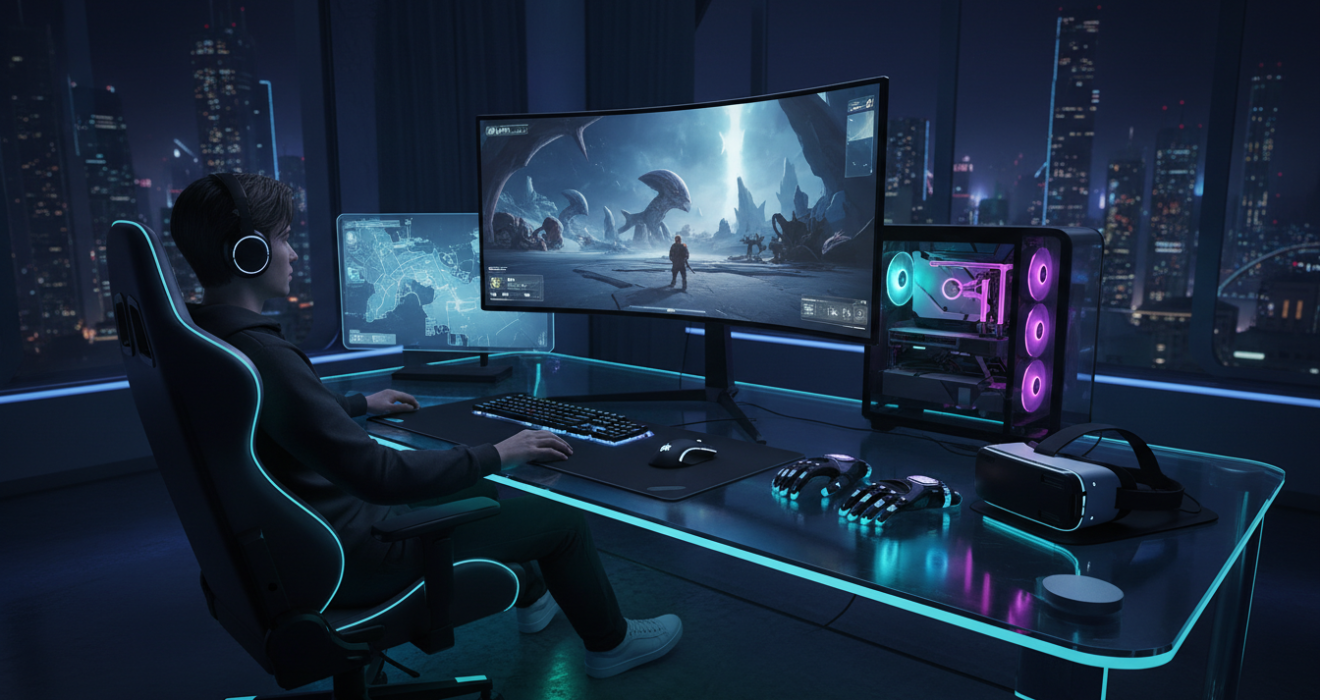
Unlocking the Best Gaming Experience: 2025 Ultimate Guide
Unlocking the Best Gaming Experience: The Ultimate 2025 Guide
Creating the ultimate battlestation is no longer just about buying the most expensive graphics card. It is a holistic pursuit involving ergonomics, visual fidelity, and system latency. Below is a summary of the core components required for the best gaming experience this year.
| Category | Priority Feature | Impact on Gameplay |
|---|---|---|
| Display | High Refresh Rate (144Hz+) | Reduces motion blur and input lag significantly. |
| Audio | Spatial / Surround Sound | Improves directional awareness in competitive shooters. |
| Peripherals | Low Latency Wireless | Ensures precision movement without cable drag. |
| Ergonomics | Adjustable Lumbar Support | Prevents fatigue during marathon sessions. |
Having spent the last fifteen years building custom rigs and testing peripherals ranging from budget membranes to custom mechanical keyboards, I have learned that the “best” setup is subjective yet driven by objective metrics. Consequently, this guide will navigate through the technical nuances that define top-tier performance.
Defining the Best Gaming Ecosystem
What exactly constitutes the best gaming ecosystem? Initially, one might assume it is strictly about raw frame rates. However, the reality is far more complex. In fact, a truly immersive experience relies on the synergy between your hardware, your environment, and your network stability. Therefore, achieving the pinnacle of digital entertainment requires a balanced approach to system building.
Furthermore, the industry has shifted. We are no longer tethered to bulky desktops; the rise of handheld PCs and cloud streaming has expanded the definition of where and how we play. Nevertheless, for the purists seeking the highest fidelity, the desktop remains king. In addition, the integration of AI-driven upscaling technologies has revolutionized how we perceive performance, allowing mid-range hardware to punch well above its weight class.
The Core Hardware: Foundations of Top Gaming Performance
To experience the best gaming visuals, the heart of your system must be robust. Specifically, the interplay between the Central Processing Unit (CPU) and the Graphics Processing Unit (GPU) determines your ceiling. Consequently, creating a bottleneck here will render your high-end monitor useless.
Choosing the Right GPU Architecture
Currently, the market is dominated by ray-tracing capable cards. If you desire realistic lighting and reflections, investing in a GPU that supports hardware-accelerated ray tracing is non-negotiable. Moreover, technologies like DLSS (Deep Learning Super Sampling) and FSR (FidelityFX Super Resolution) are critical. These features render the game at a lower resolution and upscale it using AI, providing higher frame rates without a perceptible loss in quality.
For extensive benchmarks on the latest GPU capabilities, reputable sources like Tom’s Hardware provide invaluable data hierarchies that I frequently reference when building client systems. Their testing methodologies ensure you aren’t just relying on marketing fluff.
CPU: The Unsung Hero
While the GPU draws the pixels, the CPU instructs them. In simulation titles or massive multiplayer online games (MMOs), the processor is often the limiting factor. Therefore, looking for high single-core clock speeds is essential for gaming, whereas high core counts benefit streamers and content creators. Thus, balancing your budget between these two components is the first step toward the best gaming build.
Peripherals: The Interface of Best Gaming Interactions
Once the tower is built, your physical connection to the digital world—the peripherals—must be addressed. You cannot claim to have the best gaming setup if you are using a generic office mouse. Subsequently, the market has exploded with specialized gear designed to shave milliseconds off your reaction time.
Precision Mice and DPI
Modern gaming mice have evolved significantly. Gone are the heavy, wired bricks of the past. Today, ultralight wireless mice dominate the scene. Furthermore, sensors have become flawless, offering DPI (Dots Per Inch) ranges that exceed human necessity but ensure perfect tracking. However, the shape is arguably more important than the sensor. Whether you use a palm, claw, or fingertip grip, finding a mouse that fits your hand is paramount for aiming consistency.
Mechanical Keyboards: A Tactile Advantage
Similarly, the keyboard market has shifted toward customization. Mechanical switches offer tactile feedback that membrane keyboards simply cannot match. Whether you prefer the loud “click” of Blue switches or the smooth, linear travel of Red switches, the actuation point matters. For instance, rapid-trigger magnetic switches are the current trend in the best gaming keyboards, allowing for faster reset times on key presses.
Visual Fidelity: Selecting the Best Gaming Monitor
Your monitor is the window into the game. Consequently, selecting the wrong panel can ruin the experience provided by a powerful PC. There are three main panel technologies to consider: TN, IPS, and OLED. Each has distinct advantages depending on your genre preference.
- TN Panels: Historically faster but suffer from poor viewing angles.
- IPS Panels: Offer the best color accuracy and improved viewing angles, making them a balanced choice.
- OLED Panels: Provide infinite contrast ratios and near-instant pixel response times, arguably offering the best gaming visuals available today.
Moreover, the refresh rate is critical. While 60Hz was the standard for decades, 144Hz is now the minimum for competitive play. In addition, eSports professionals are pushing toward 360Hz and even 540Hz displays. For a deep dive into monitor response times and color calibration, I always direct enthusiasts to Rtings.com, as their scientific approach to display testing is unmatched in the industry.
Audio Landscapes: Hearing the Game
Visuals are only half the battle. To truly immerse yourself, high-fidelity audio is required. Consequently, a headset with a wide soundstage allows you to pinpoint enemy footsteps with eerie precision. Furthermore, many modern titles utilize binaural audio engines, which simulate how sound waves interact with the human head. Therefore, investing in an open-back headphone setup, combined with a dedicated DAC/Amp, often yields better results than “gaming” branded headsets.
However, if convenience is key, wireless gaming headsets have improved drastically. Low-latency 2.4GHz connections have effectively eliminated the lag previously associated with Bluetooth audio, making wireless a viable option for even the most competitive scenarios.
Optimizing the Environment for Best Gaming Sessions
Your physical environment contributes heavily to your performance. Ergonomics, often overlooked, plays a vital role in preventing injury and maintaining focus. Thus, a chair with proper lumbar support and a desk at the correct height are not luxuries; they are necessities.
Lighting and Ambiance
In addition to furniture, lighting affects eye strain. Playing in a pitch-black room with a bright monitor can cause fatigue. Conversely, creating a bias lighting setup—placing a light source behind your monitor—can reduce perceived contrast and save your eyes. Moreover, smart lighting that syncs with your gameplay can heighten immersion, extending the screen’s colors into your room.
For those looking to explore a wide variety of lifestyle integrations, accessories, and setup inspirations, visiting blisslifes can provide excellent ideas for refining your gaming space. It serves as a great resource for discovering how to blend aesthetics with functionality.
Software and Network Optimization
Even the best gaming hardware can be hamstrung by poor software configuration or network instability. Therefore, optimizing your operating system is crucial. This involves disabling unnecessary background processes, ensuring your drivers are up to date, and configuring your GPU control panel for maximum performance rather than power saving.
The Importance of Ping
In online multiplayer games, latency (ping) is often more important than bandwidth. Consequently, using a wired Ethernet connection is always superior to Wi-Fi. However, if a cable is impossible, modern Wi-Fi 6E routers can bridge the gap significantly. Furthermore, using software to prioritize gaming traffic on your network—often called Quality of Service (QoS)—can prevent your stream from lagging when someone else in the house starts a download.
For the latest news on game patches, driver updates, and software tweaks that could impact your framerates, PC Gamer remains a staple resource. Keeping abreast of software changes is essential for maintaining a top-tier system.
The Future of High-End Gaming
Looking ahead, the landscape of the best gaming experiences is evolving rapidly. Cloud gaming is becoming more viable, VR is finding its footing with lighter headsets, and haptic feedback is moving beyond controllers into vests and chairs. Consequently, the definition of a “setup” is becoming fluid.
In addition, the rise of cross-platform play means that your choice of hardware restricts you less than ever before. Whether you are on a console or a PC, the ecosystem is unifying. Therefore, the focus is shifting from “which platform is best” to “how can I optimize my specific platform.”
Strategic Gameplay and Mental Performance
Finally, we must address the player. The best gaming gear cannot compensate for poor strategy or mental fatigue. Thus, treating gaming like a sport involves hydration, breaks, and practice. Furthermore, utilizing aim trainers and reviewing replays of your gameplay can provide insights that hardware simply cannot.
Summary of Optimization Steps
To summarize the path to the best gaming setup, consider this checklist:
- Prioritize the GPU: Ensure it matches your monitor’s resolution.
- Select a High-Refresh Monitor: 144Hz is the baseline.
- Invest in Audio: Spatial awareness wins games.
- Secure the Network: Ethernet over Wi-Fi whenever possible.
- Refine Ergonomics: protect your back and wrists.
Frequently Asked Questions
1. What is the single most important component for the best gaming performance?
Generally, the Graphics Processing Unit (GPU) is the most critical component as it renders the images. However, a balanced CPU is required to prevent bottlenecks.
2. Is 4K resolution necessary for the best gaming experience?
Not necessarily. Many competitive gamers prefer 1440p or even 1080p because it allows for higher frame rates. Consequently, fluidity often trumps resolution in fast-paced titles.
3. Do gaming chairs actually improve performance?
Indirectly, yes. By reducing physical fatigue and discomfort, a good chair allows you to maintain focus for longer periods. However, “office” ergonomic chairs often outperform “racing” style gaming chairs.
4. How much RAM do I need for modern gaming?
Currently, 16GB is the minimum standard, but 32GB is recommended for the best gaming experience, especially if you multitask or stream.
5. Does RGB lighting affect performance?
No, RGB lighting is purely aesthetic. However, it can help set the mood or ambience, which contributes to the overall experience.
Conclusion
Achieving the best gaming experience in 2025 is a multifaceted journey. It is not merely about purchasing the most expensive item on the shelf; rather, it is about understanding how components interact, how your environment affects your focus, and how software optimizes hardware potential. Consequently, by carefully selecting your gear—from the GPU architecture to the switch type in your keyboard—you create a system that becomes an extension of your will.
Furthermore, remember that technology serves the experience. Whether you are exploring vast open worlds or competing in high-stakes matches, the goal is immersion and enjoyment. Therefore, use this guide as a roadmap, but trust your personal preferences to define what is truly “best” for you. Happy gaming.